
Use the note-taking apps picker when the immediate question is how you want to capture, organize, and return to notes. Answer for the habit you can realistically keep, not for the most elaborate system on paper. It compares Notion, Obsidian, Logseq OG, and Roam Research — four distinct starting points for notes and knowledge work. The separate Logseq database app is not scored as a file-based option here.
Your result suggests a tool to try and explains its main trade-off. It also shows when several options are close or none of these four meets your essential requirements.
How the four note-taking apps differ
- Notion: Keep project notes, meeting records and reusable reference pages together in a shared workspace. Consider it for a routine built around named pages and shared updates; review permissions and export.
- Obsidian: Capture notes in a personal folder of local files and retrieve them through search and links. If file control matters, try the backup and sync routine you would actually maintain.
- Logseq OG: Capture dated entries and organize small notes as linked blocks in local Markdown files. For a daily-journal habit, see whether returning through dates and blocks feels natural.
- Roam Research: Capture quick thoughts in daily notes and reconnect them through an online graph. Try it if you prefer following links between small notes, and confirm sharing access and export.
A close call is a reason to test the same three notes in the remaining apps. If ordinary local files and essential editing in one online workspace are both non-negotiable, this picker has no clean fit among these four tools.
If Notion and Obsidian are your two remaining options, use the Notion vs Obsidian comparison to examine their note organisation, offline access and sharing before trying both with your notes.
Test the tools with your own notes
Use the same three notes in each plausible app. Capture them, find one again and inspect an export. Note any extra steps you would struggle to keep up during a normal week.
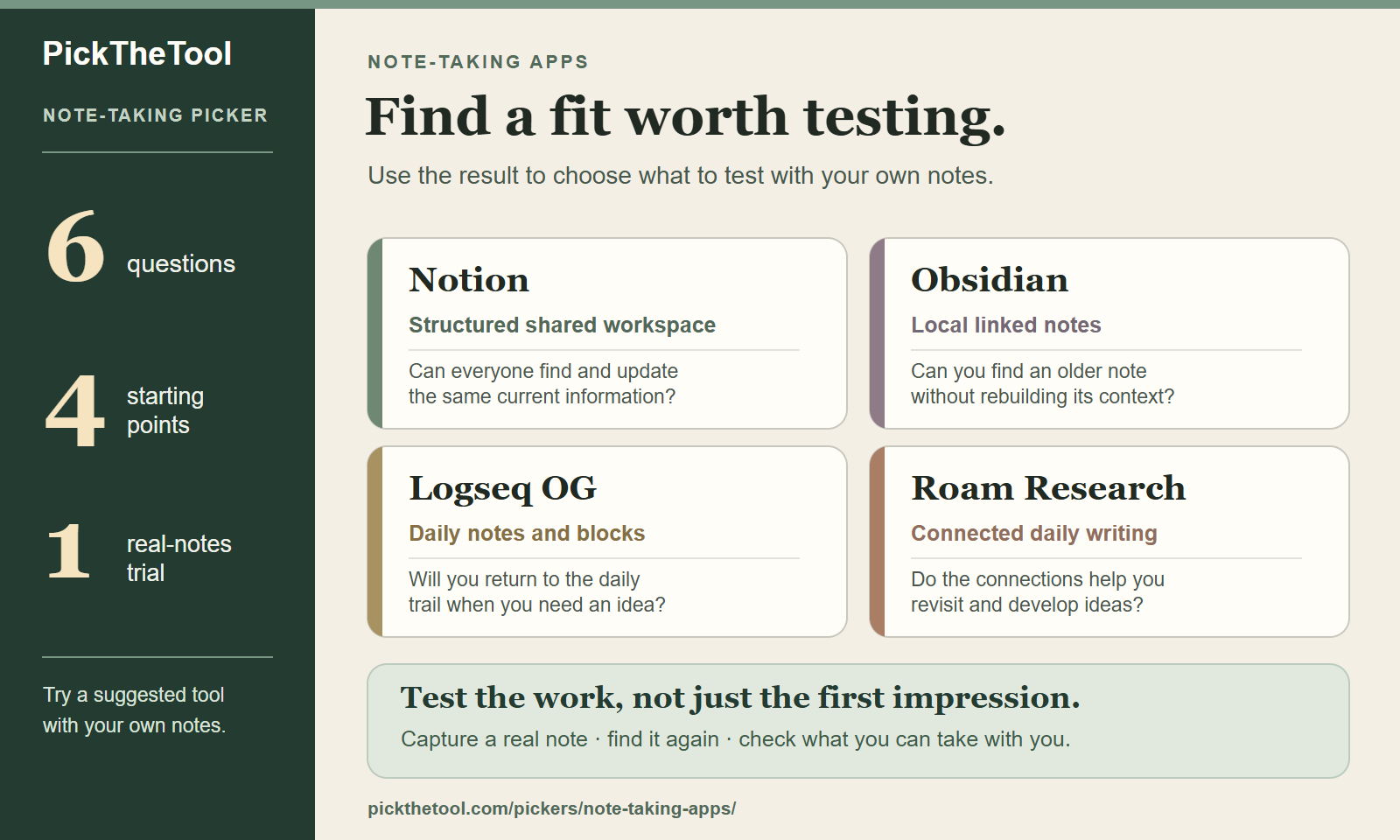
For a compact offline trial, download the one-page real-notes trial worksheet (PDF).
How the note-taking picker compares your needs
See how storage, shared editing and your own notes affect the recommendation. Then try the six-question picker above with your own priorities.
If your question is more about how ideas develop and connect over time than everyday note-taking, try the Thinking Tools Picker.
Need a broader orientation before choosing among these four tools? Start with the PKM Tool Decision Map.